Screen Patrol
Screen time without daily quarrels
Children get bones for screen time, decide when to use them, and the dog signals when the time is over.
Screen Patrol does not block devices. It makes screen time visible as a limited budget children can understand, and it takes some daily negotiation off the parents.
Download on the App Store Coming soon on Android
Screen Patrol is already live on the App Store. The Android version is coming soon to Google Play.
🦴 Clear time budget 🐾 Friendly companion ⏰ End without arguments

Dog holding a bone
01
Why it exists
When screen time depends only on a parent,
it often turns into a fight
Children hear a limit, parents repeat the rule, and everyone gets tired. Screen Patrol shifts that tension into a simple system both sides can see in advance.
Worried dog with an empty bowl
"Just 5 more minutes!"
This sentence comes up about 4 times a day
  • βœ•
    Arguments when it is time to turn screens off
  • βœ•
    Frustration and tears
  • βœ•
    Parents stuck in the role of police
  • βœ•
    Tension across the whole family
In Screen Patrol the rule is visible ahead of time
Children know how much time they have, and parents do not have to announce the ending over and over.
02
How it works
A new visitor can understand it
in three steps
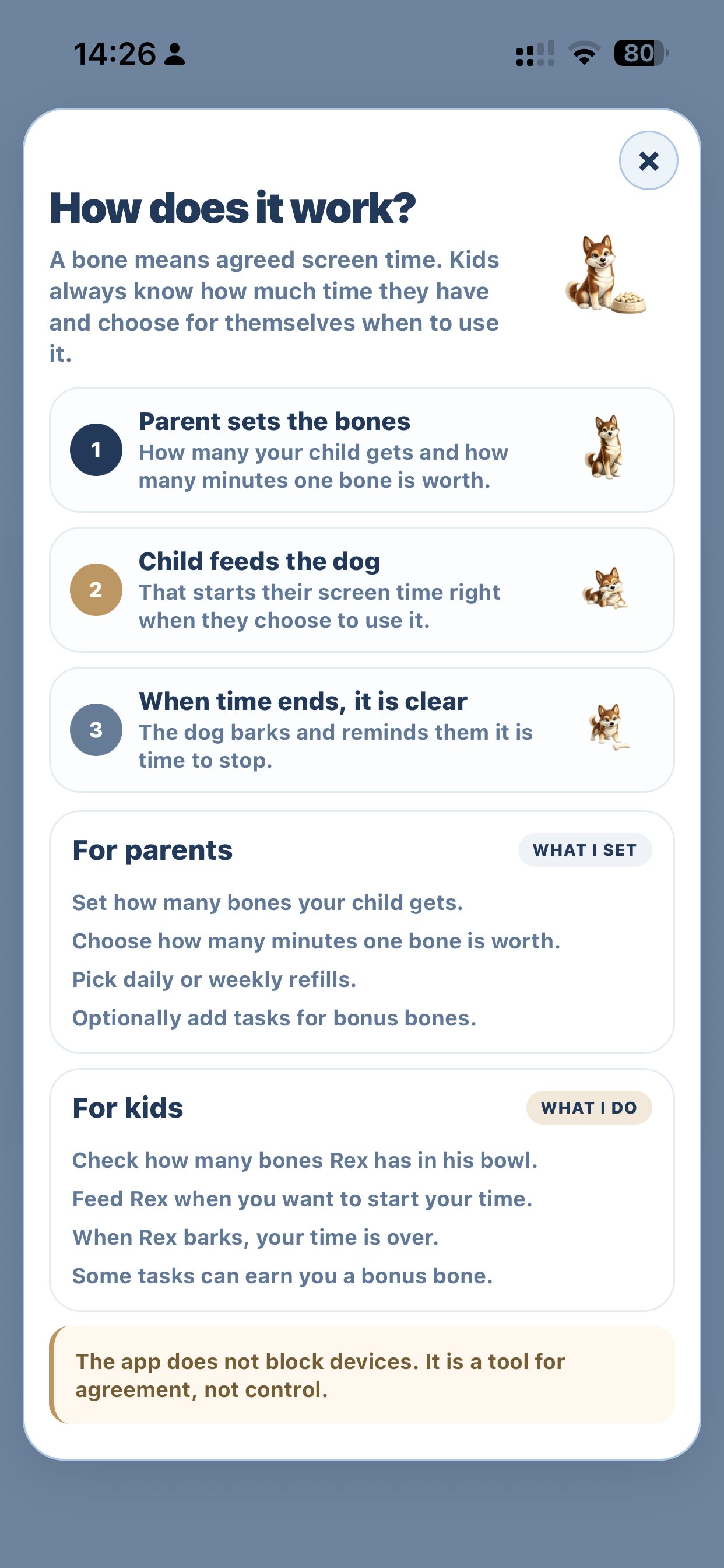
  • 1
    The parent sets the number of bones and the value of one bone
    For example 15, 30, 45, or 60 minutes for each child
  • 2
    The child chooses when to use a bone
    The budget can refill daily or weekly
  • 3
    The dog runs with the child and signals when time is over
    Less reminding, less bargaining, clearer endings
Screen Patrol works best for families who want to teach self-management, not just shut devices down.
Daily mode helps younger children. A weekly budget gives older ones more space to plan ahead and manage their own screen time.
⚠️
The app does not block anything β€” it is a tool, not control.
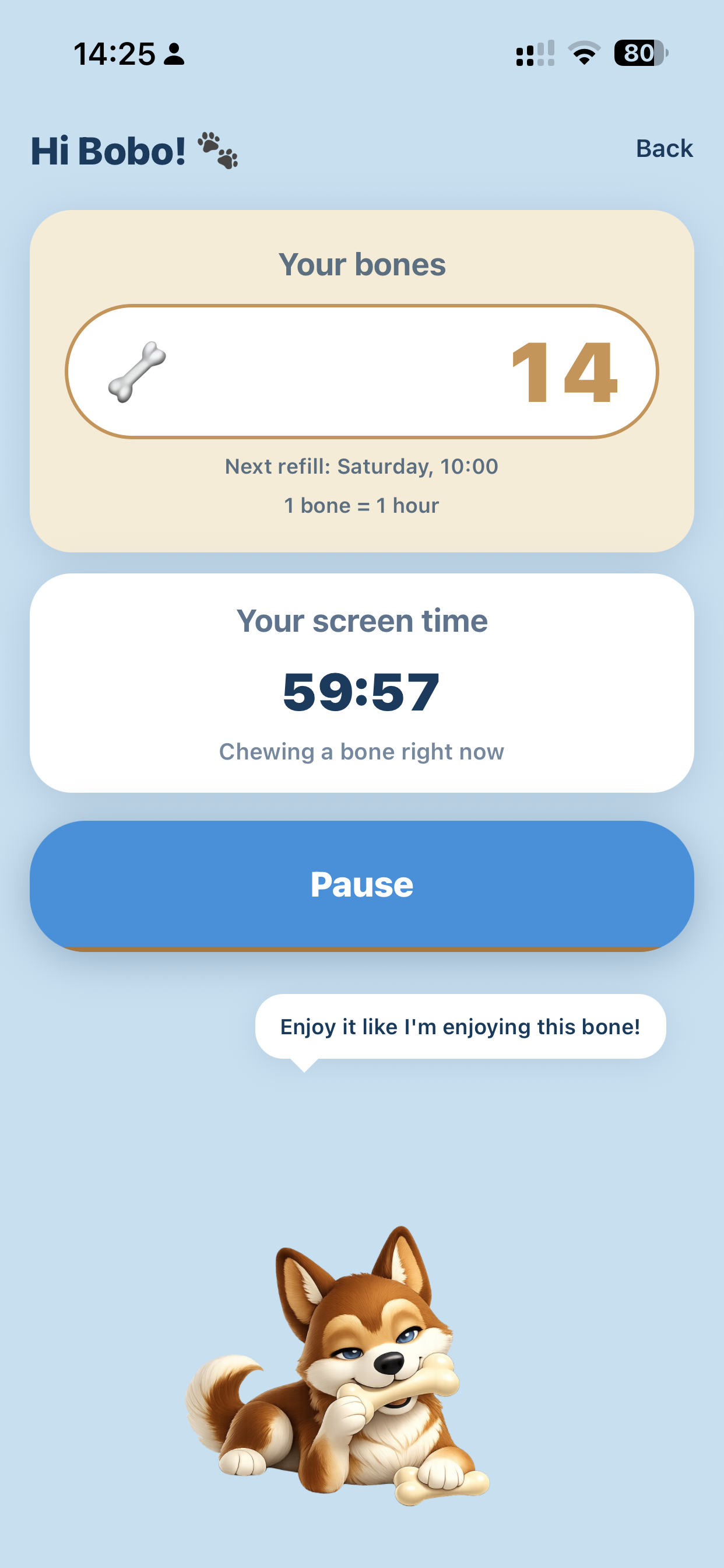
Time is running
Children can immediately see how much time is running
03
Who it helps
It supports children,
parents, and the whole family
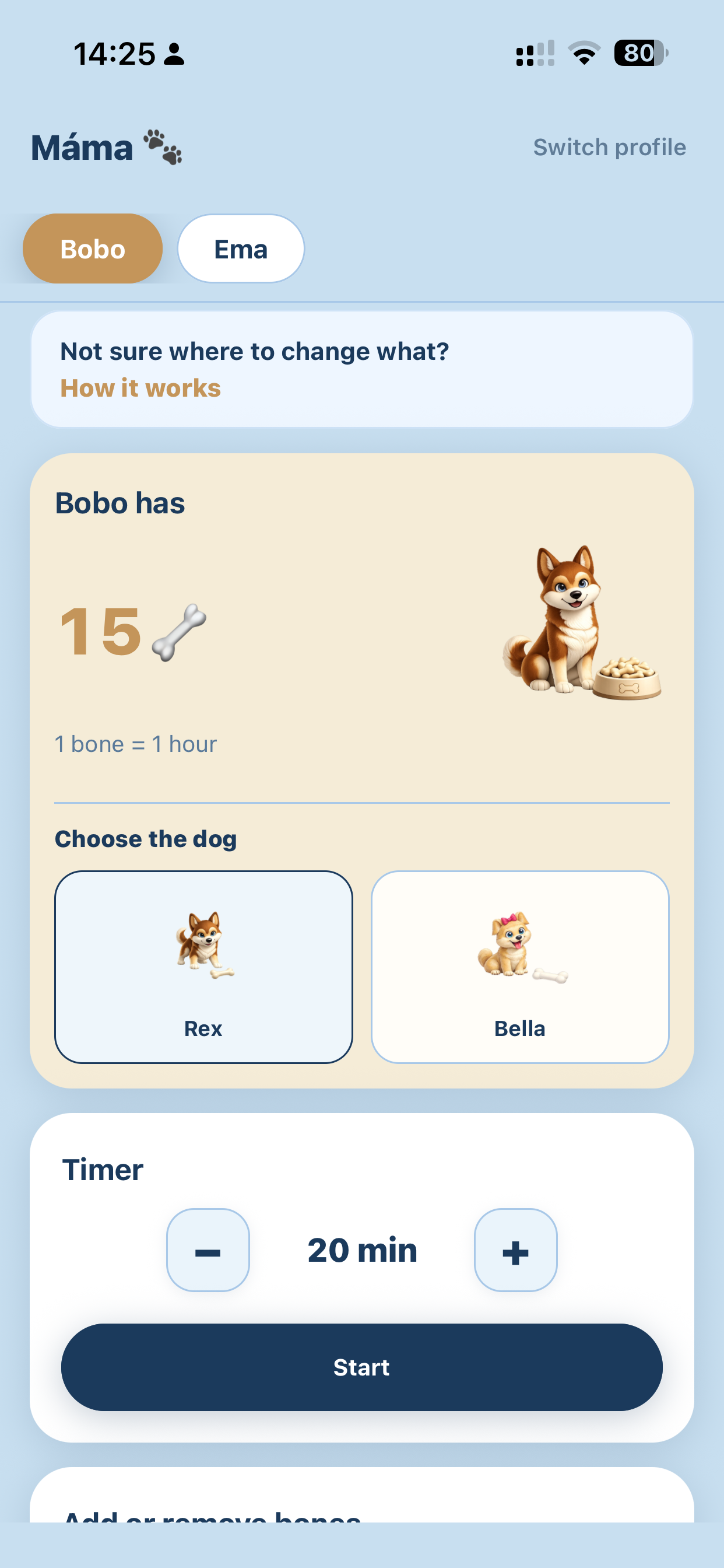
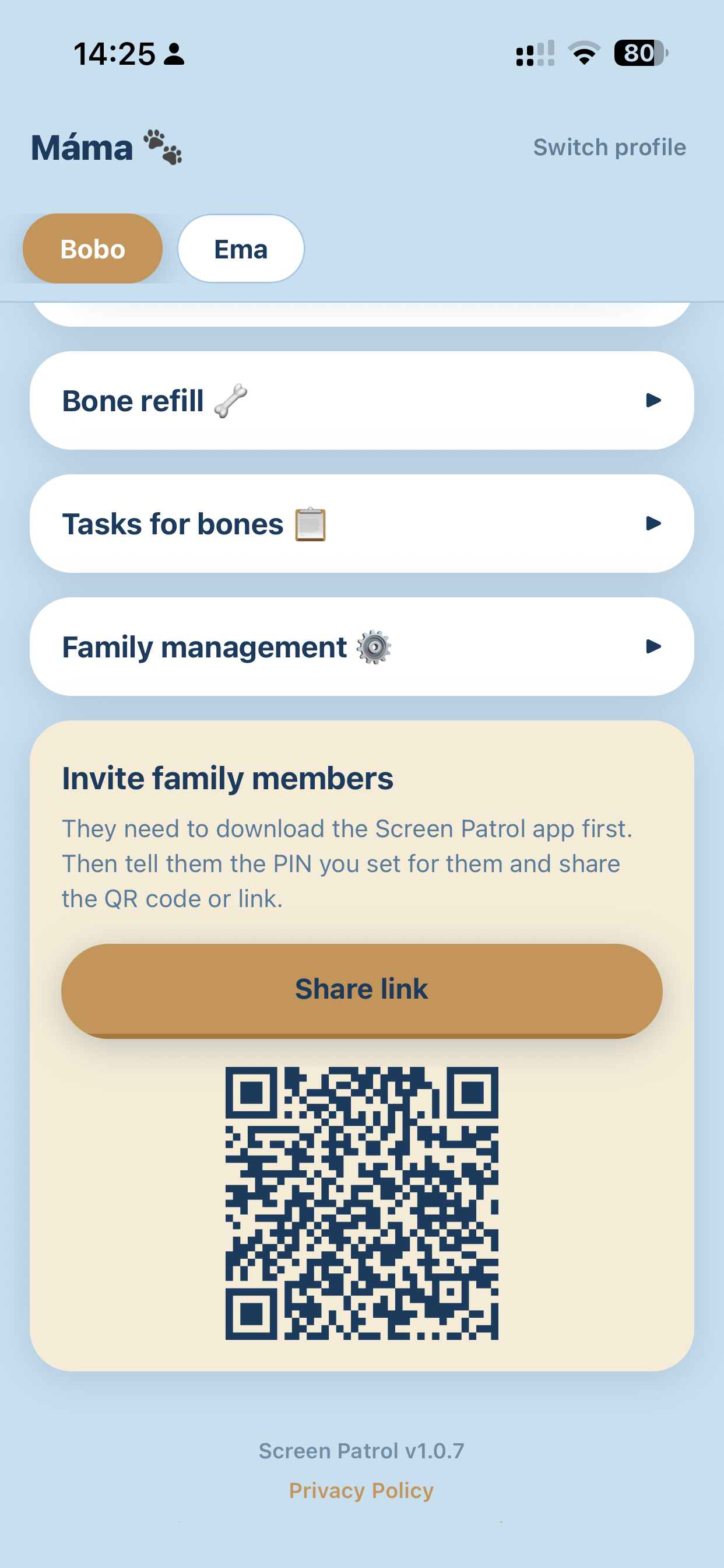
Inside one family account, each member can have their own profile, PIN, bones, and dog. Parents manage everything from one place.
πŸ‘§Children see clear rules and make visible choices
πŸ‘¨β€πŸ‘©β€πŸ‘§β€πŸ‘¦Parents can adapt the rhythm to each child’s age
πŸ•Siblings can choose their own dog
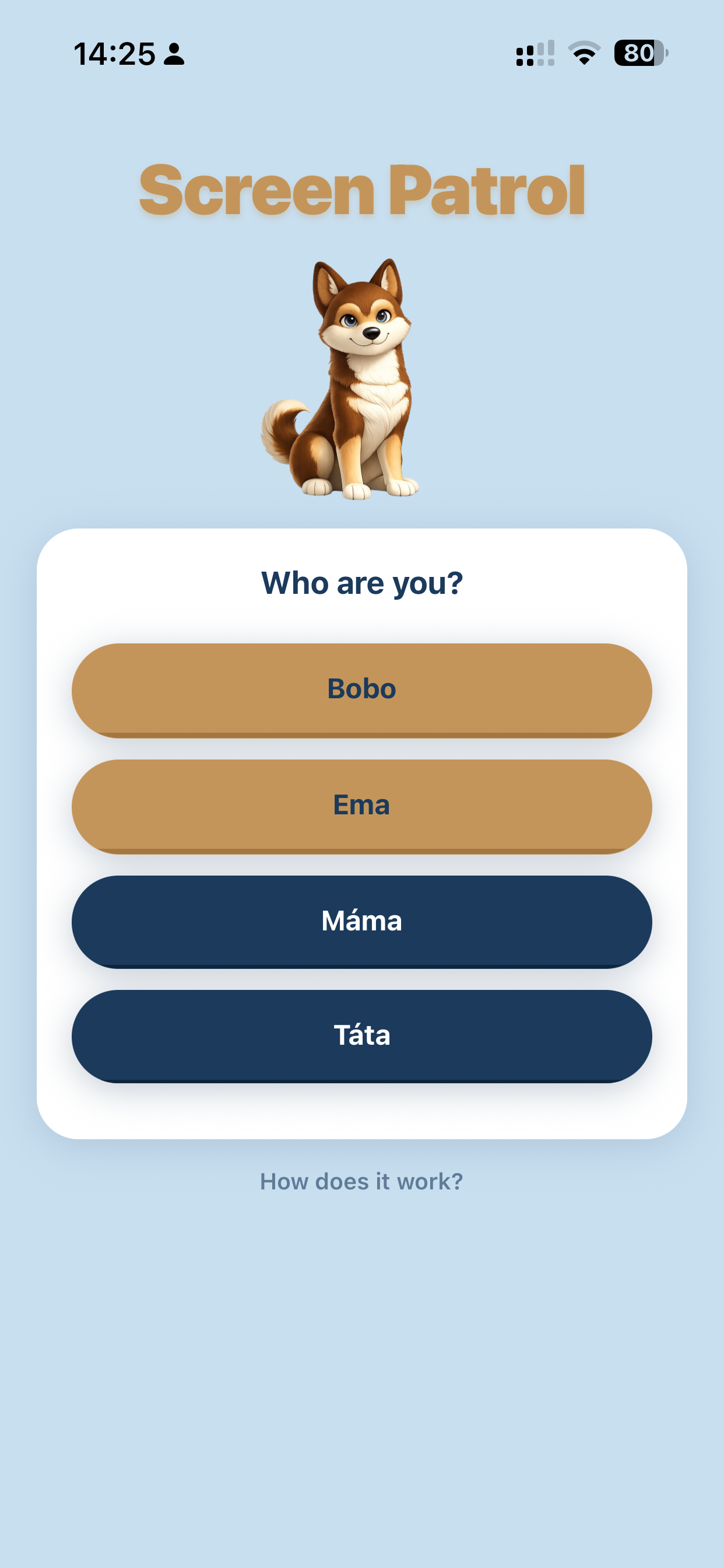
Choose family member
Parent management
Parent management
04
Why it works
Children get more autonomy,
families get more peace
When children manage their own visible time budget, they are more likely to accept the rule as fair. And if you want, you can add optional tasks for bonus bones.
Optional tasks
When bones run out, a child can earn more by doing something like watering flowers or cleaning their room. Tasks are optional, not required.
  • 🀝
    Rules are easier to accept when children can see the choice
  • βš–οΈ
    Time becomes a limited resource instead of a daily debate
  • πŸ“…
    Daily and weekly modes both train planning
How it works
Simple explanation for children
Family collaboration
05
Credibility
Created at home,
tested in a real family
Created by a mom of three.
Tested in a real family with kids aged 4 to 14, every day.
"I did not come up with this in an office. I came up with it during yet another argument about turning off the iPad."
🏠 Tested at home πŸ‘§ Ages 4–14 πŸ“… Every day
If you want a calmer, easier way to explain screen time to children, Screen Patrol is ready to start today on iPhone and iPad.
Rex Bella
3
children in the family Β· ages 4 to 14
Download on the App Store Coming soon on Android

The iOS version is live on the App Store. We are now finishing the Android version for Google Play.

06